Expert Calls Restrict Access
To restrict users from accessing Expert Calls content without approval, please follow these steps:
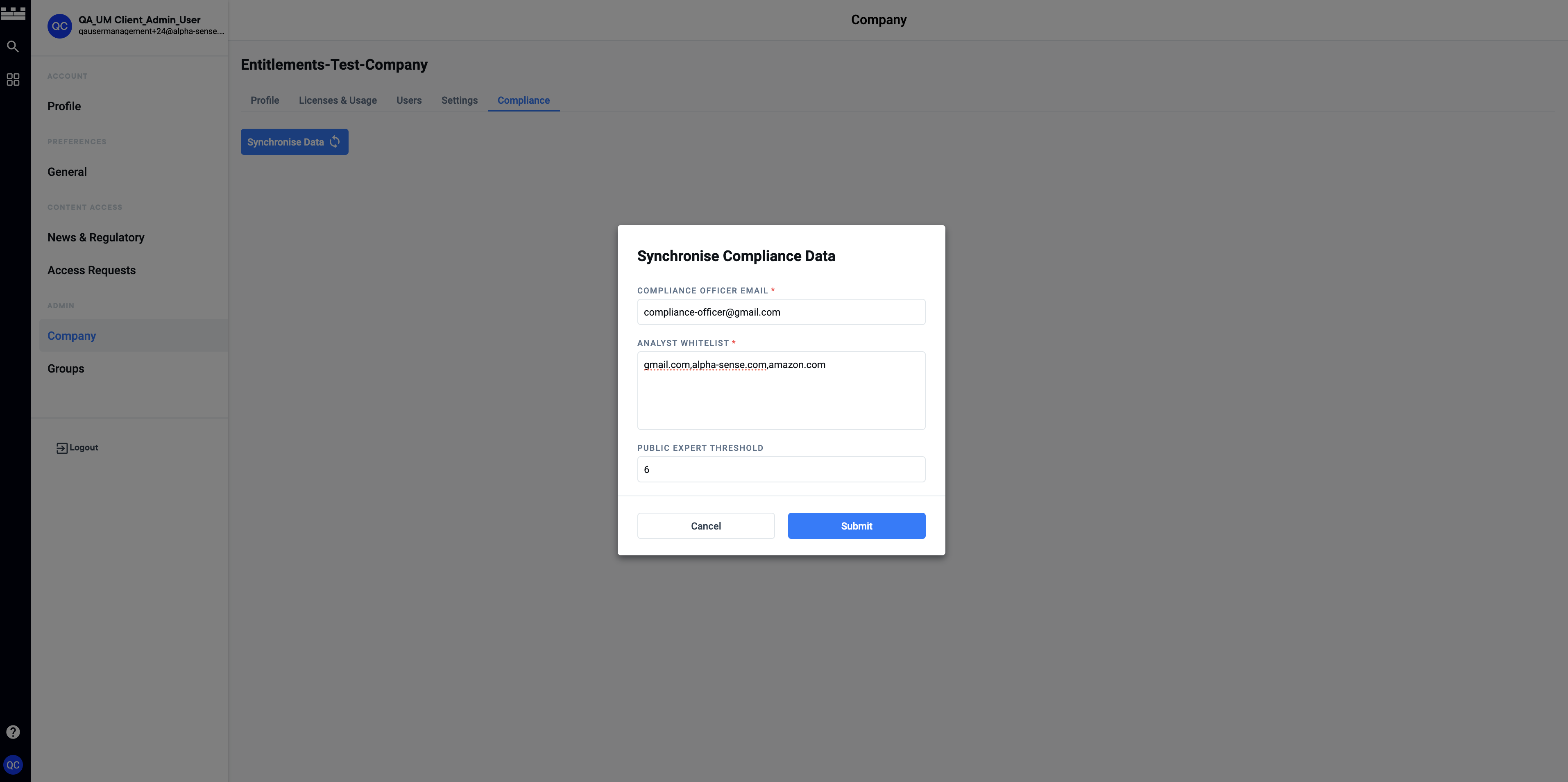
Step 1: Make Sure Compliance Setup Is Done (Follow Previous Steps)
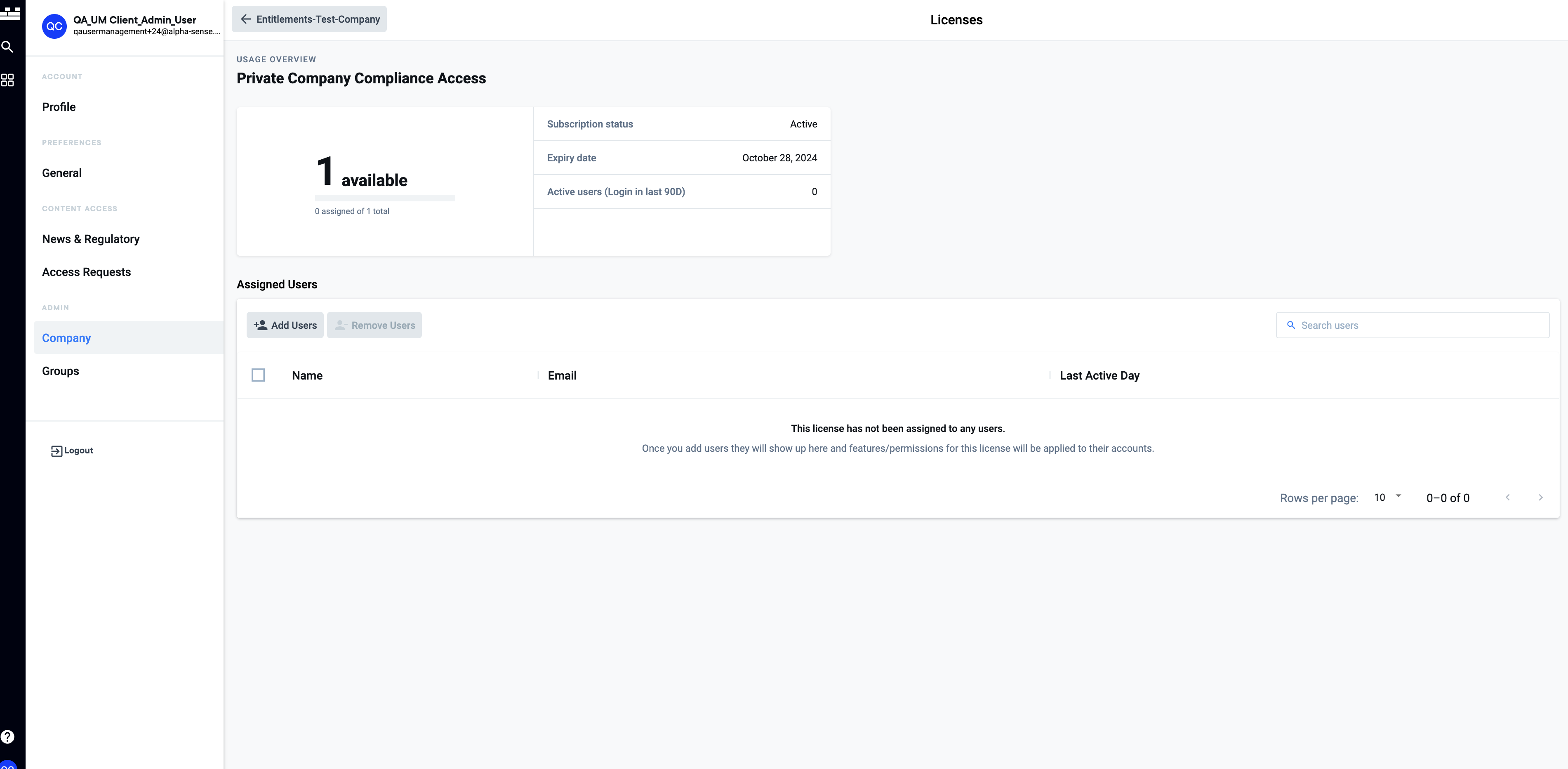
Step 2: Assign Users to "Private Company Compliance Access" License
For more info about Licenses, Please follow these steps on How To Manage Licenses
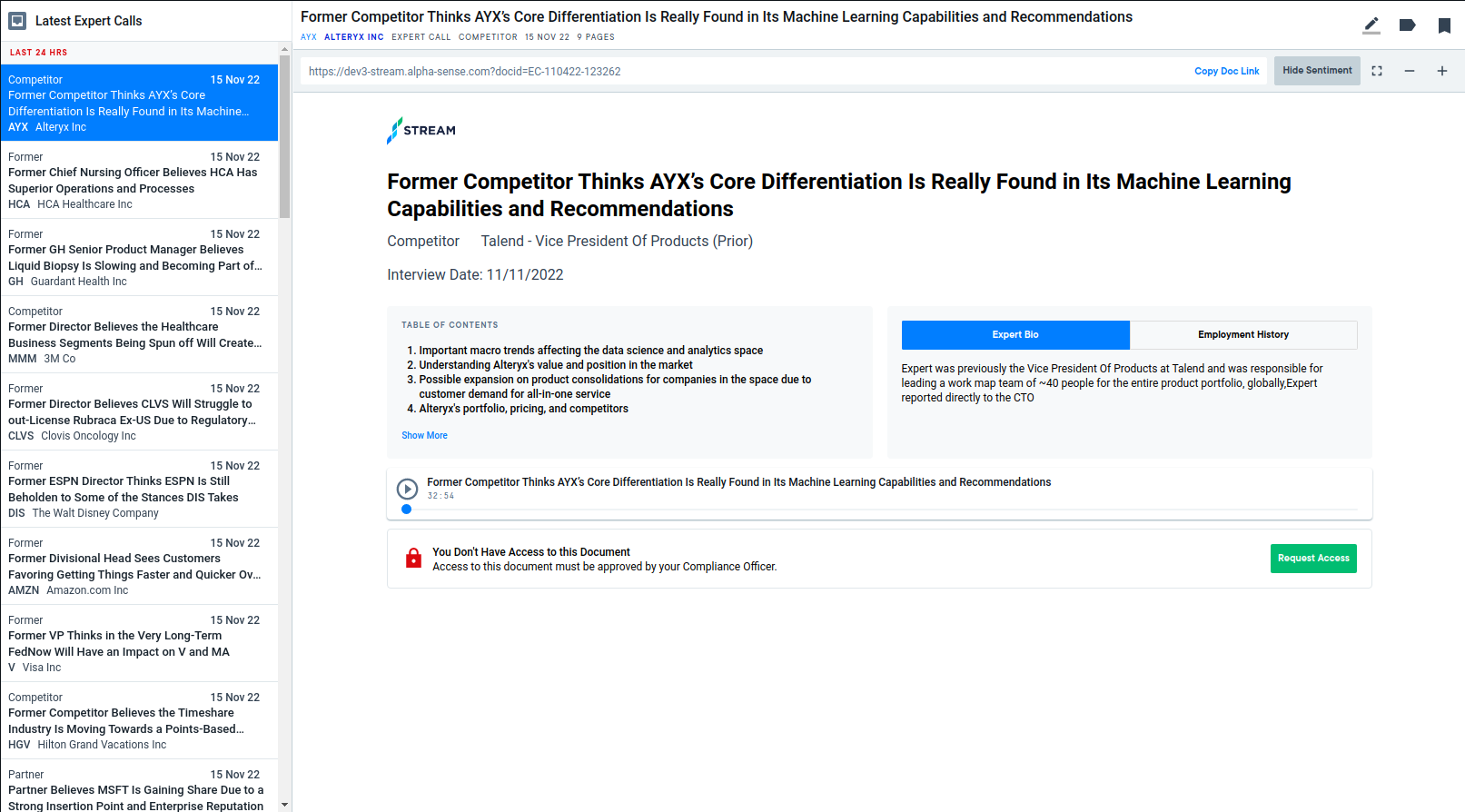
Step 3: User Will Be Restricted
After the user is assigned to the licenses, Expert Calls Access will be restricted and an approval is needed before viewing the document
Step 4: Receive Compliance Request Notifications
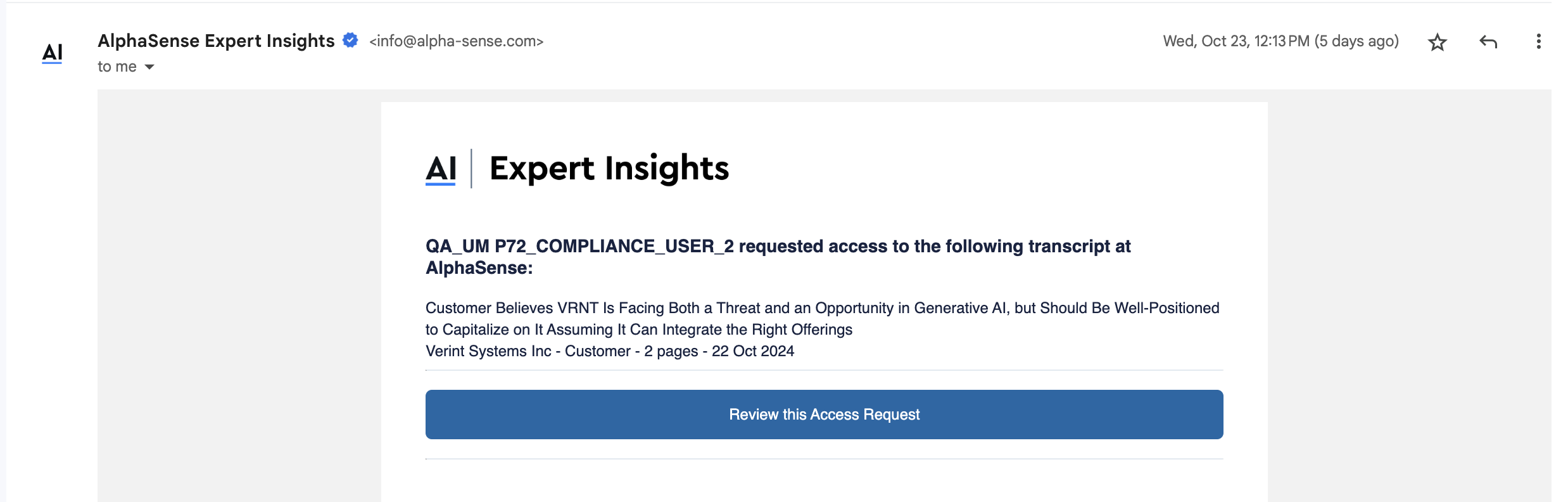
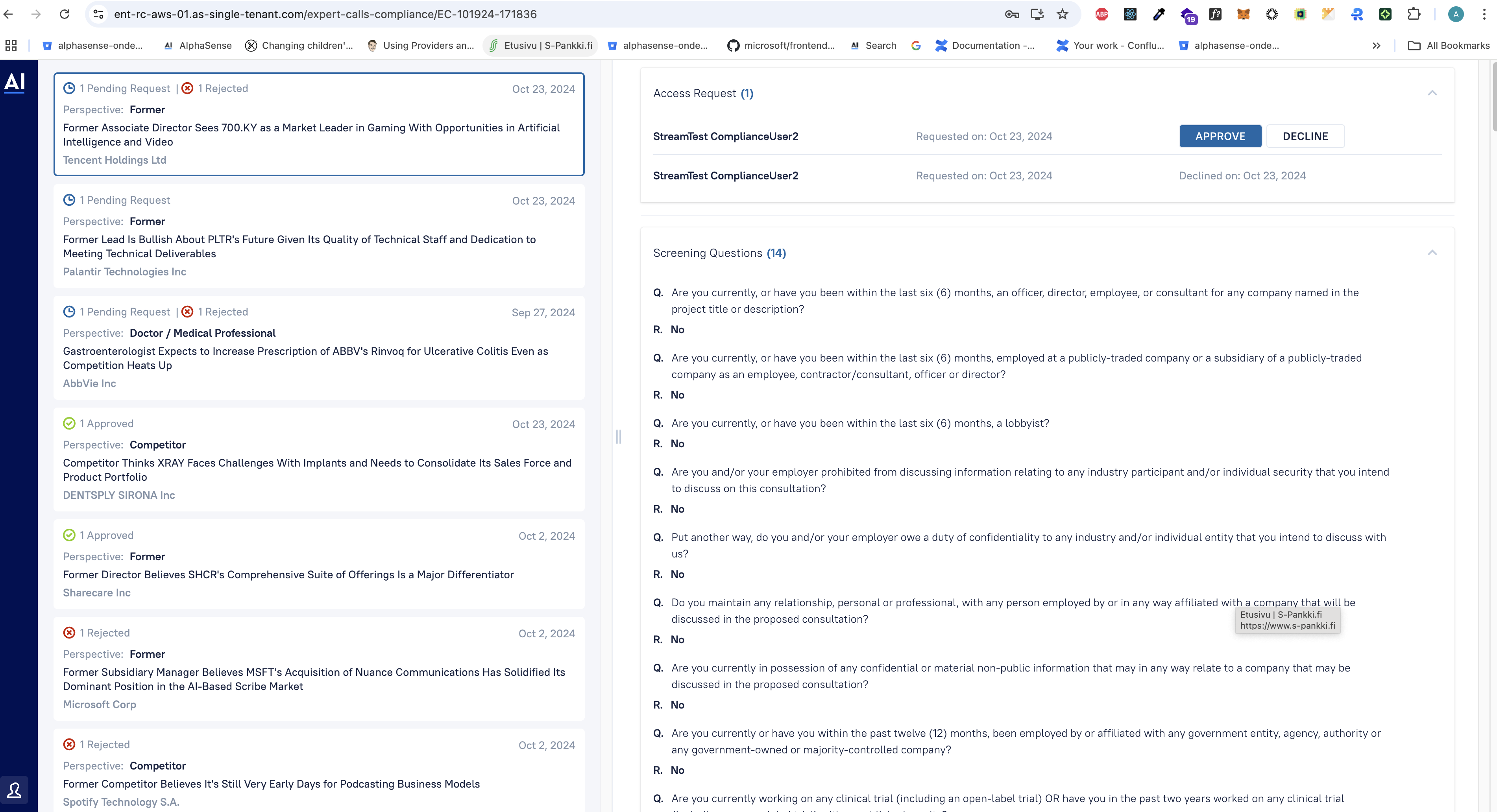
Step 5: Access Compliance Portal
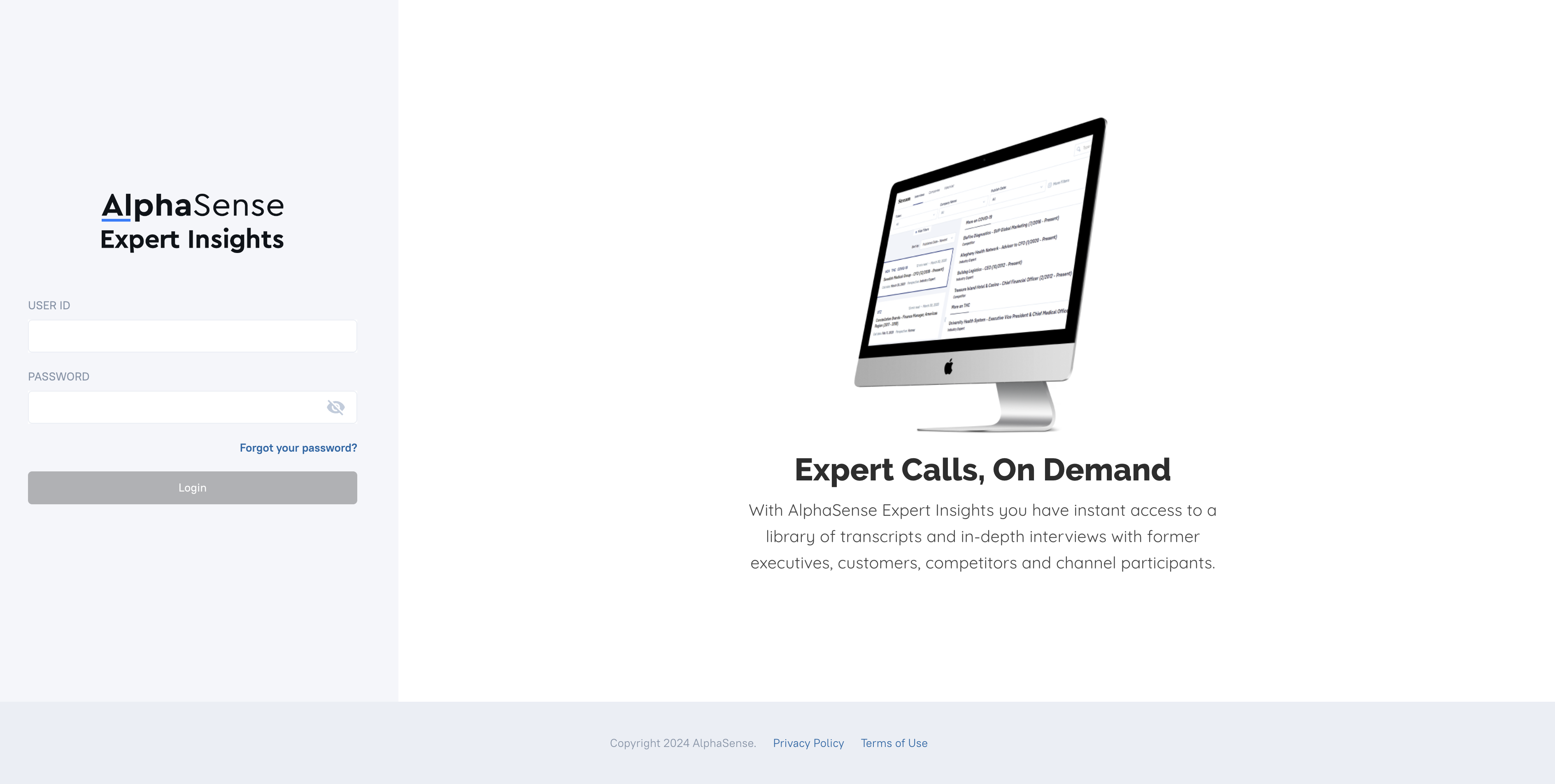
To approve or reject the request, log into the compliance portal under your company domain followed
with expert-calls-compliance. (Example: {domain name}/expert-calls-compliance) And log in with
compliance officer credentials:
Step 6: Approve/Reject Requests from Compliance Portal